Base 44
Vibecoding
Building and refining a mobile roadtrip app interface using Base44.

Project Overview

As part of a class project focused on improving the Roadtrippers app experience, I used Base44 to explore multiple design solutions quickly. This served as a micro-study and ideation tool, allowing me to test and iterate on features without building high-fidelity Figma designs, leveraging AI-assisted prototyping instead.

My Approach

Objective & Process
Defined mission statement and brand values
Prompting
Designed brand logo and determined typography and color palatte
Insights & Key Takeaways
Created a sitemap and user flow to determine structure of the app and then sketched screens

Objective & Process

What I Was Doing?

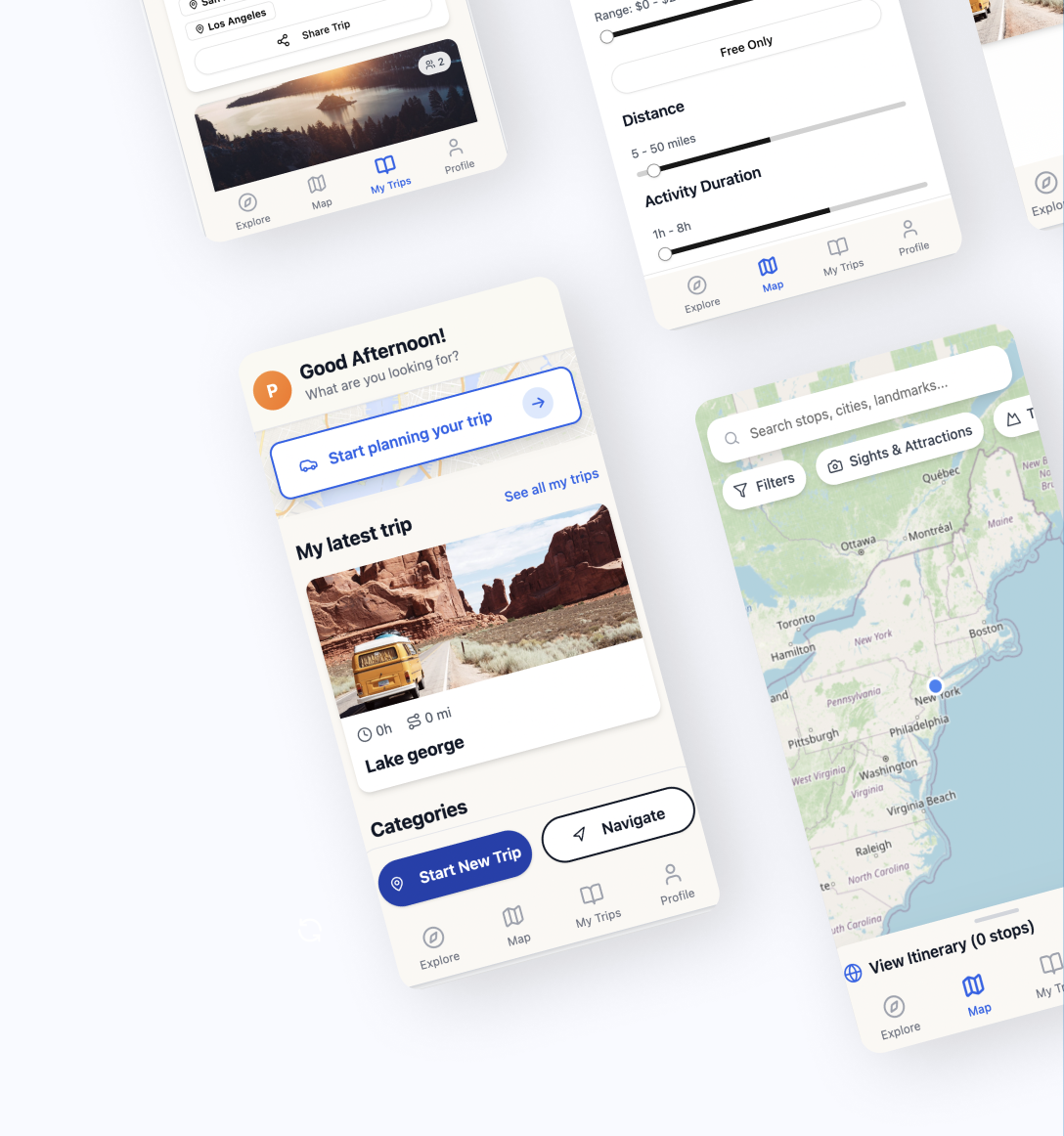
I recreated the Roadtrippers interface in Base44 using reference images and then experimented with improving or adding features through prompts. This process let me explore different interaction ideas, layouts, and solutions to address user pain points identified in prior research.

Prompting Base44

I used targeted prompts to create and improve features in the Roadtrippers interface. This section includes example prompts and generated outputs, showcasing how prompt phrasing affects design solutions and allows rapid iteration.

Roadtrippers App Creation

Prompt: “I want to create an app called RoadTrippers, a road trip planning app that allows users to find specific categories, hotels, attractions, and other points of interest along their route, use the reference images provided to guide the interface design”

(4 Reference images of the current Roadtripper app were provided)

Adding Filtering Ability

Prompt: "When the user taps the Filters button, a filters panel should appear displaying a variety of options to help find nearby attractions, activities, and points of interest tailored to their preferences."

Applied Filters Visibility

Prompt: "When I select filters, they should be applied immediately, and when I return to the Map page, I should clearly see which filters are active."

Prompt: "Make the removable filter tags thinner, matching the height and style of the category pills for a consistent look."

Prompt: "Increase the width of the removable filter tags so that all text fits on a single line without wrapping."

Insights & Takeaways

Lessons Learned

Keep prompts short and focused: Long, complex prompts don’t work well—short, simple prompts are much more effective.

Focus on one feature at a time: It’s better to prompt for a single interaction or element rather than multiple things at once.

Use the AI Discuss tool: This tool is very helpful for brainstorming, refining, or editing prompts before sending them.